
Small Business Growth
DIY website builders look cheap upfront, but here's what the real cost looks like once you factor in time, missed leads, and lost search visibility.
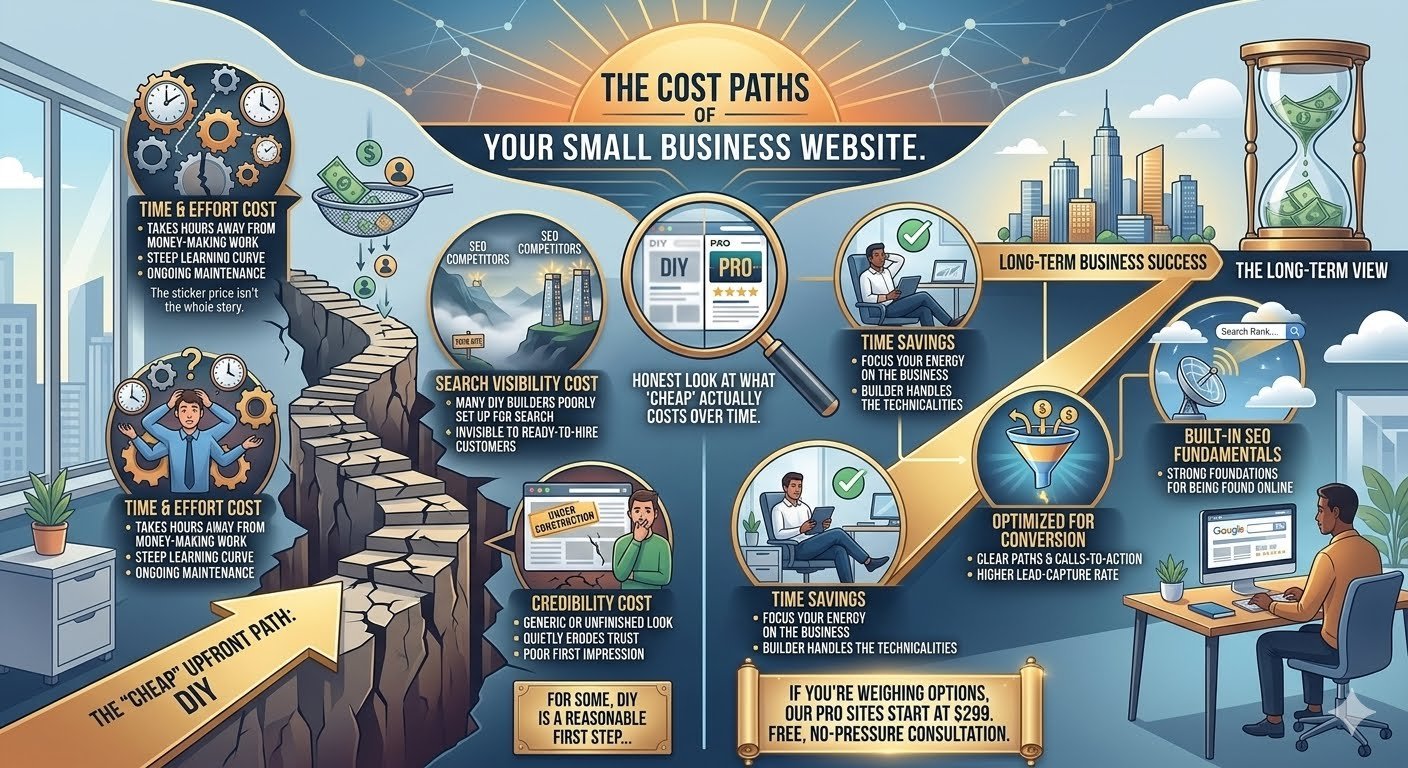
When you're starting or growing a small business, every dollar matters — so it makes sense that a free or low-cost DIY website builder feels like the responsible choice. But the sticker price isn't the whole story.
The time cost
Building a website yourself, even with a drag-and-drop tool, takes real hours — hours that could go toward the work that actually makes you money. For most business owners, that trade-off ends up being far more expensive than it looks on paper.
The missed-lead cost
A website that's confusing, slow, or unclear about what to do next doesn't just look unpolished — it actively loses you customers who would have reached out if the path forward had been obvious. A handful of missed leads over a year can easily outweigh what a professional build would have cost.
The search visibility cost
Many DIY builders aren't set up well for search engines by default. If your competitors invested in SEO fundamentals and you didn't, you may be invisible in exactly the searches that matter most — the ones from people ready to hire.
The credibility cost
Fair or not, people judge a business by its website. A site that looks unfinished or generic can quietly cost you trust before a potential customer ever picks up the phone.
None of this means DIY is always the wrong call — for some businesses just getting started, it's a reasonable first step. But it's worth being honest about what "cheap" actually costs over time, not just upfront.
If you're weighing your options, our base website build starts at $299 — and we're happy to talk through what makes sense for where your business is right now, no pressure either way.
SEO & Local Search
Straightforward SEO and local search advice for small businesses in North Idaho, Western Montana, and the Spokane area — no jargon, just what works.
Local SEO can feel like a black box — plenty of advice out there, not all of it accurate. Here's a straightforward breakdown of what genuinely affects whether your business shows up when someone nearby searches for what you do.
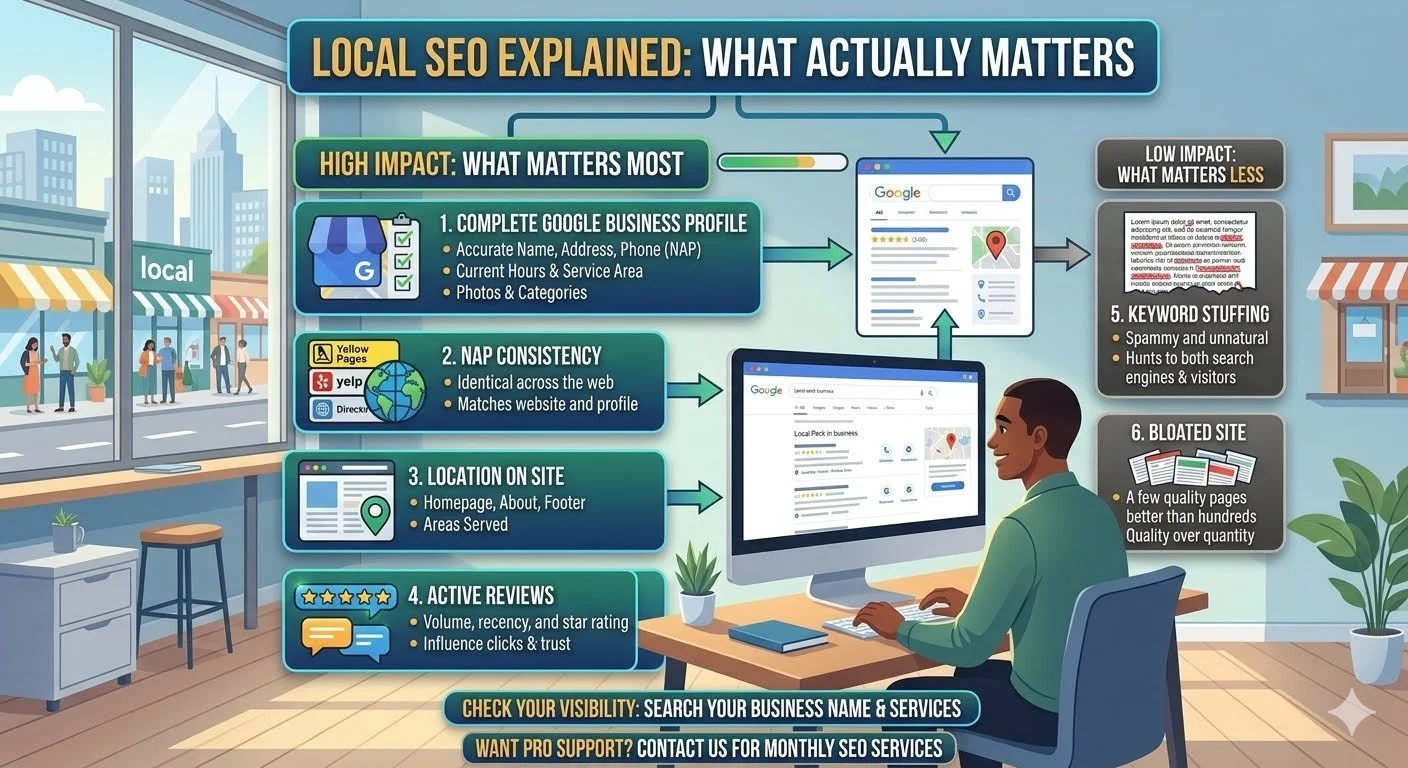
What actually matters:
Your Google Business Profile. This often carries more weight for local search than your actual website. A fully filled-out profile — accurate hours, service area, category, real photos, and reviews — is one of the highest-impact things a small business can do for local visibility.
Consistency across the web. Your business name, address, and phone number should match exactly across your website, your Google Business Profile, and any directories you're listed in. Inconsistent info (even small formatting differences) can quietly undermine your local rankings.
Location mentioned naturally on your site. If your website never states where you're located or what areas you serve, Google has less to work with when deciding whether to show you for local searches. It doesn't need to be forced — just present, clearly, in a few key spots (homepage, about page, footer).
Reviews. Both the number and recency of reviews factor into local rankings, and they influence whether a potential customer clicks your listing over a competitor's.
What matters less than people think:
Keyword stuffing. Repeating your city name or service dozens of times across a page doesn't help — and can actually hurt, since it reads as spam to both Google and real visitors.
Having a huge number of pages. A handful of well-built, clear pages usually outperforms a bloated site with a page for every possible keyword variation.
If you're not sure where your business currently stands, a quick search of your own business name and services is the easiest first check. We offer ongoing SEO support if you'd rather have someone else keep an eye on it month to month.
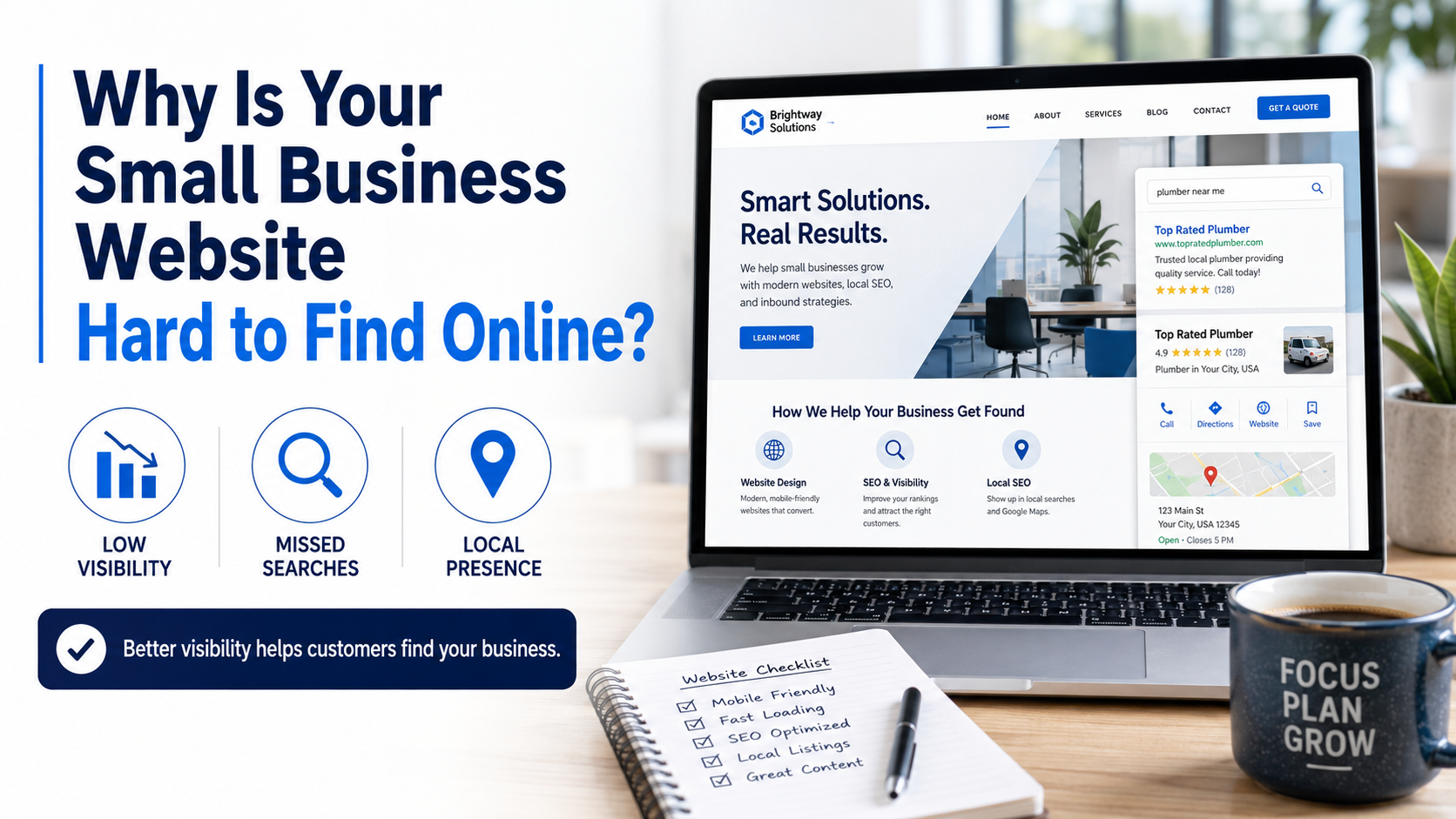
5. Why Is Your Small Business Website Hard to Find Online?
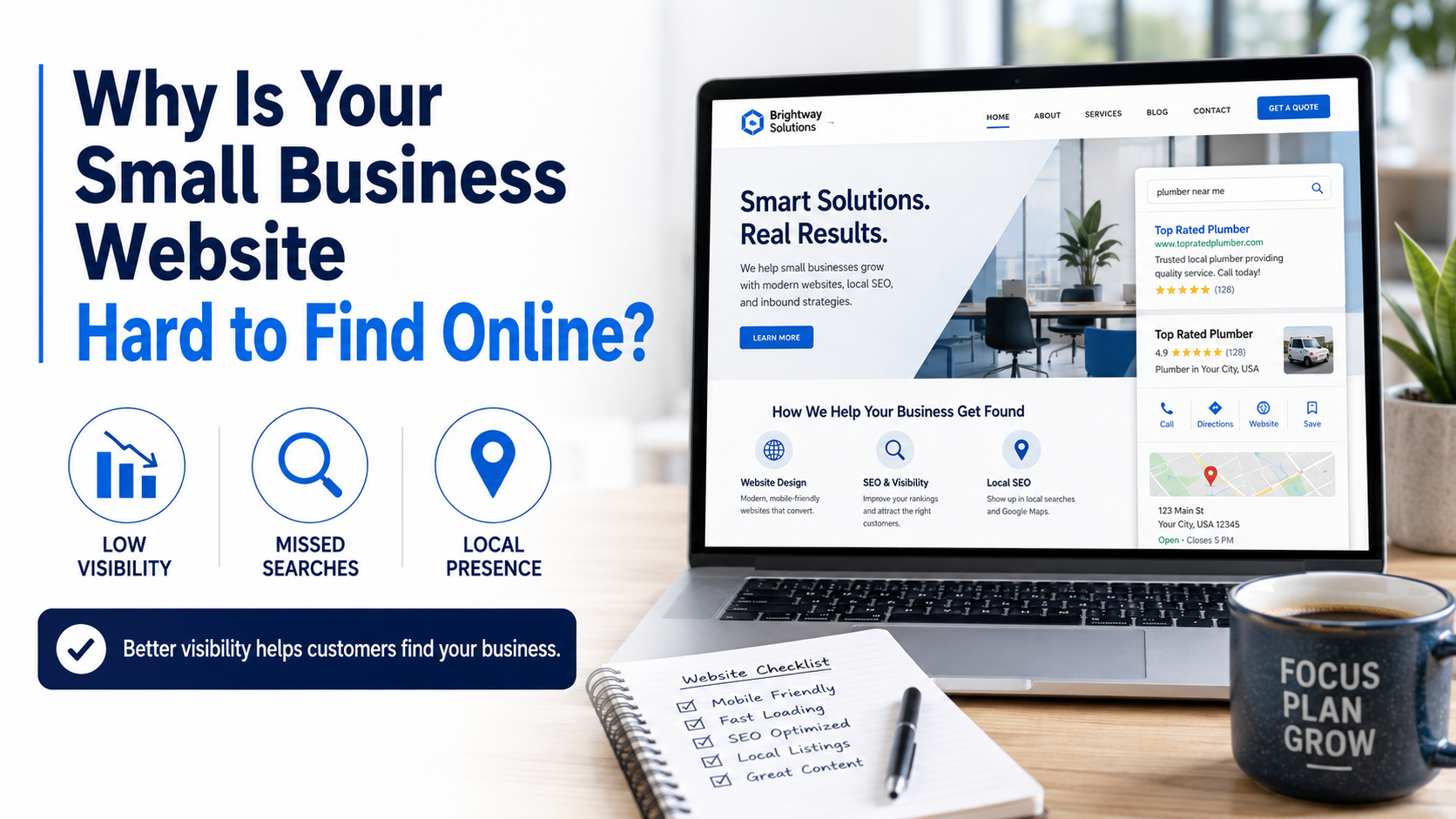
Why is your small business website hard to find?
Having a website does not automatically mean customers will be able to find it.
A business may have a professional-looking site and still struggle to appear when someone searches for its services, company name, or location.
This does not always mean the website needs an aggressive marketing campaign. Sometimes the problem begins with missing information, unclear service descriptions, technical issues, or pages that do not accurately explain what the business offers.
Search for Your Own Business
Begin by searching for:
Your exact business name
Your main service and city
Your business type and service area
A specific service you provide
Your business name and phone number
The results may look different depending on your location and search history, but the exercise can still reveal useful information.
You may discover that your website does not appear, an outdated listing is showing, important services are missing, or competitors are appearing for searches that closely match your business.
Why a Website May Be Difficult to Find
Several issues can affect visibility:
The website is new and has not been fully discovered
Important pages are not indexed
Service descriptions are too short or unclear
The website does not identify the cities or areas served
Page titles do not describe the business
Business information is inconsistent across the website
The Google Business Profile is incomplete or disconnected
The website has few pages explaining individual services
Older content no longer represents the company accurately
Search visibility is rarely solved by repeating a city name dozens of times or filling pages with awkward keywords. Website content should remain useful and readable for actual customers.
The goal is to clearly explain what the business does, where it operates, and how customers can make contact.
Local Visibility Begins With a Clear Website
For many small businesses, the most important searches are local.
A contractor may want to be found by homeowners in nearby cities. A restaurant may want customers searching for local dining options. A property maintenance company may serve several communities within a defined region.
The website should clearly communicate those service areas without creating confusing or repetitive content.
It should also provide useful pages for the company’s primary services rather than placing every offering into a single crowded paragraph.
How Shift Arrow Group LLC Can Help
Shift Arrow Group LLC helps small businesses improve the structure, wording, and local relevance of their websites.
This may include:
Reviewing service and location information
Updating page titles and descriptions
Improving individual service pages
Correcting inconsistent business information
Connecting website content with the company’s Google presence
Checking whether important pages can be found and indexed
Creating clear, locally relevant website copy
We do not promise instant rankings or guarantee a specific search position. Search visibility depends on multiple factors and usually develops over time.
What we can provide is a website that clearly represents your business, supports local discovery, and gives search engines and potential customers better information to work with.
If your website is difficult to find, contact Shift Arrow Group LLC for an honest review of its current content and structure.
Related article: Read “5 Signs Your Small Business Website Needs an Update” to see whether visibility is only one part of a larger website problem.
4. Does Your Website Tell Visitors What to Do Next?
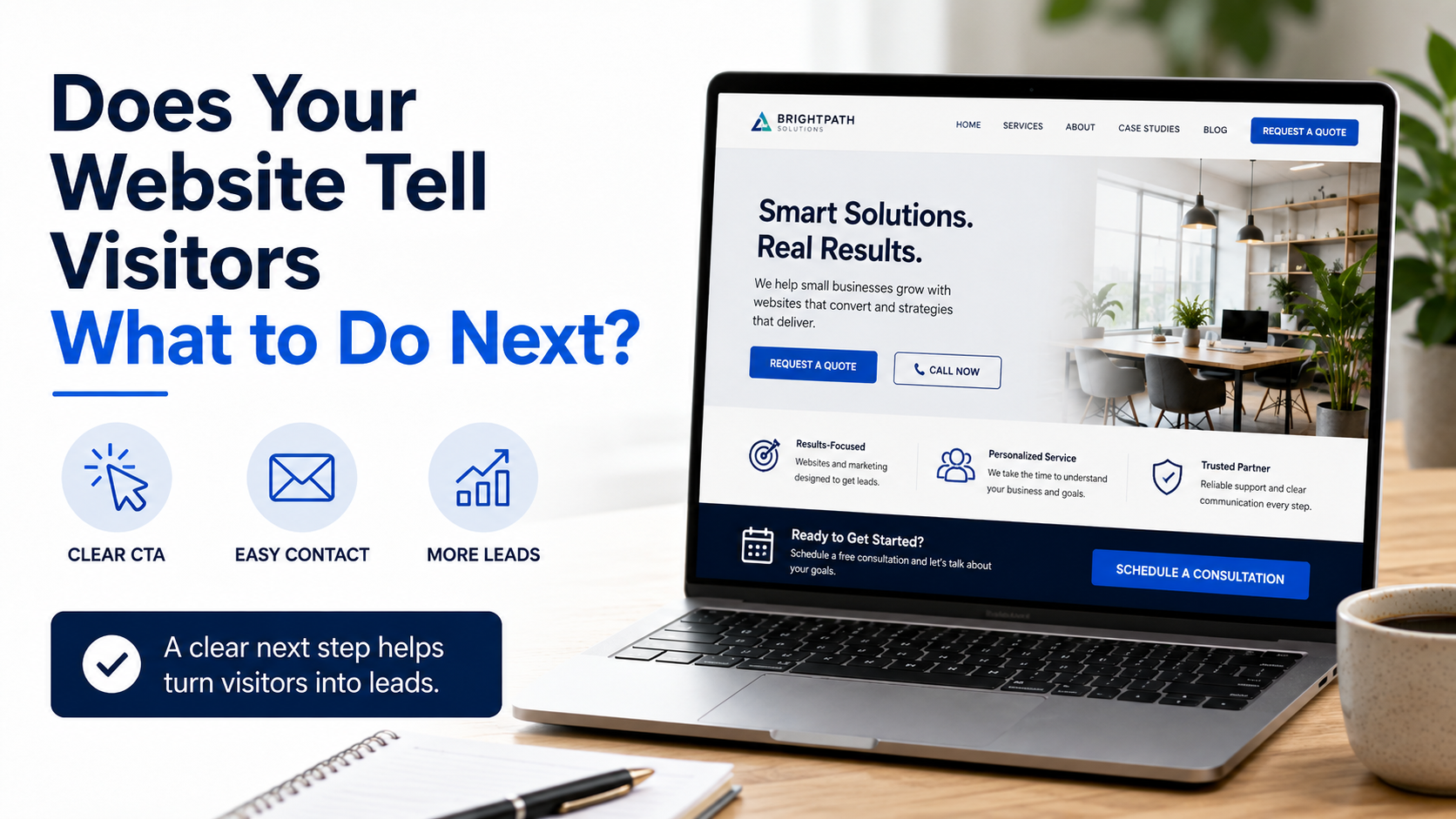
Does Your Website Tell Visitors What to Do Next?
A potential customer visits your website, looks at your homepage, reads about your services, and views a few photographs.
Then what?
If the website does not clearly tell the visitor how to take the next step, that person may leave without calling, requesting an estimate, booking an appointment, or visiting your business.
This is where a clear call to action becomes important.
What Is a Call to Action?
A call to action is a button, link, or short statement that guides visitors toward a specific step.
Examples include:
Request an Estimate
Schedule a Consultation
Call Now
View Our Services
See Our Work
Book an Appointment
Contact Our Team
Get Started
A call to action does not need to be aggressive or overly promotional. It simply needs to make the visitor’s next step clear.
Every Page Should Have a Purpose
Different website pages may require different calls to action.
A service page might encourage the visitor to request an estimate. A gallery might direct them toward a contact form after they review previous work. A restaurant page might encourage them to view the menu, check hours, or get directions.
The homepage may contain more than one option, but it should still prioritize the action that matters most.
When too many buttons compete for attention, the website can become confusing. When there are no visible buttons at all, visitors may not know where to go.
The strongest website layouts create a natural path:
Introduce the business.
Explain the service.
Build confidence.
Make the next step easy.
Contact Forms Should Be Easy to Use
A contact form should request enough information for the business to respond without feeling like a twelve-page government application.
For many small businesses, a name, email address, phone number, service needed, and short project description may be enough to begin the conversation.
The form should also work properly on mobile devices and provide confirmation after it has been submitted.
Improving Calls to Action
Adding more buttons is not always the answer. Placement, wording, page structure, and mobile usability all matter.
Shift Arrow Group LLC helps small businesses create clearer website paths that guide visitors from learning about the company to making contact. This may include improving button placement, simplifying contact forms, reorganizing page content, or strengthening service descriptions.
The goal is not to pressure visitors. It is to remove confusion and make contacting your business easier.
If customers are visiting your website but not reaching out, Shift Arrow Group LLC can help review whether the website clearly communicates what they should do next.
Related article: Read “5 Signs Your Small Business Website Needs an Update” to identify other issues that may affect customer inquiries.
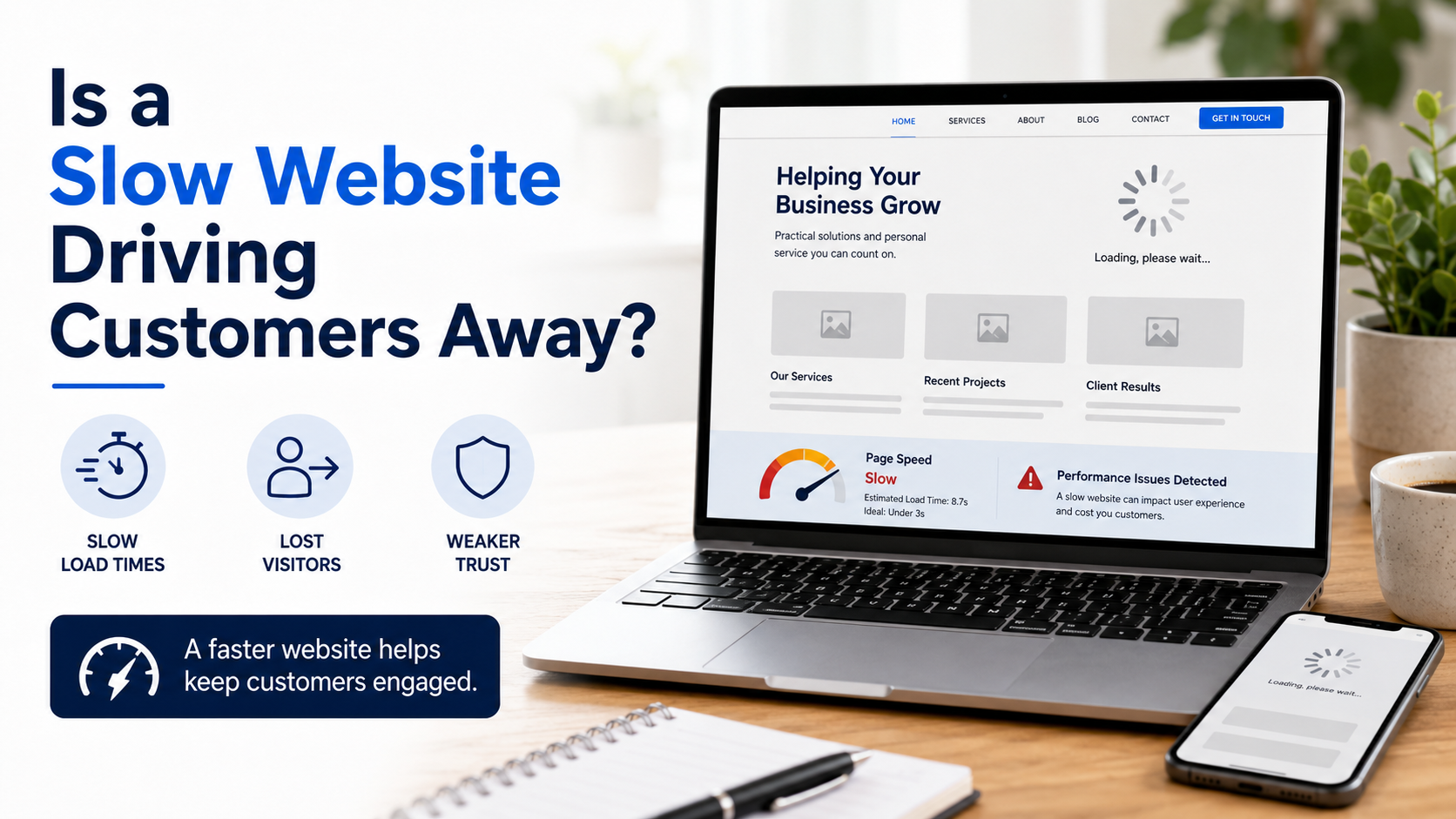
3. Is a Slow Website Driving Customers Away?
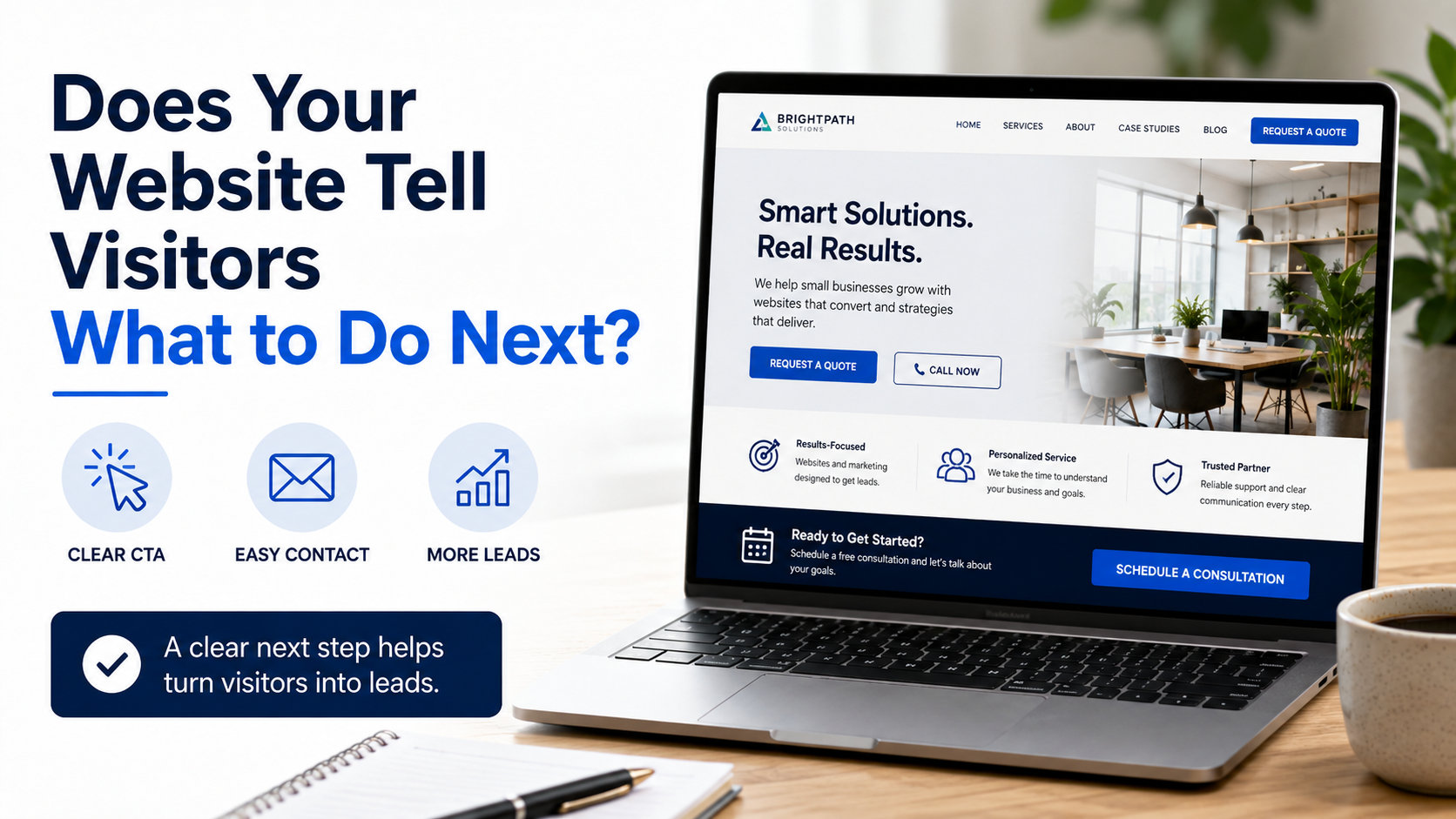
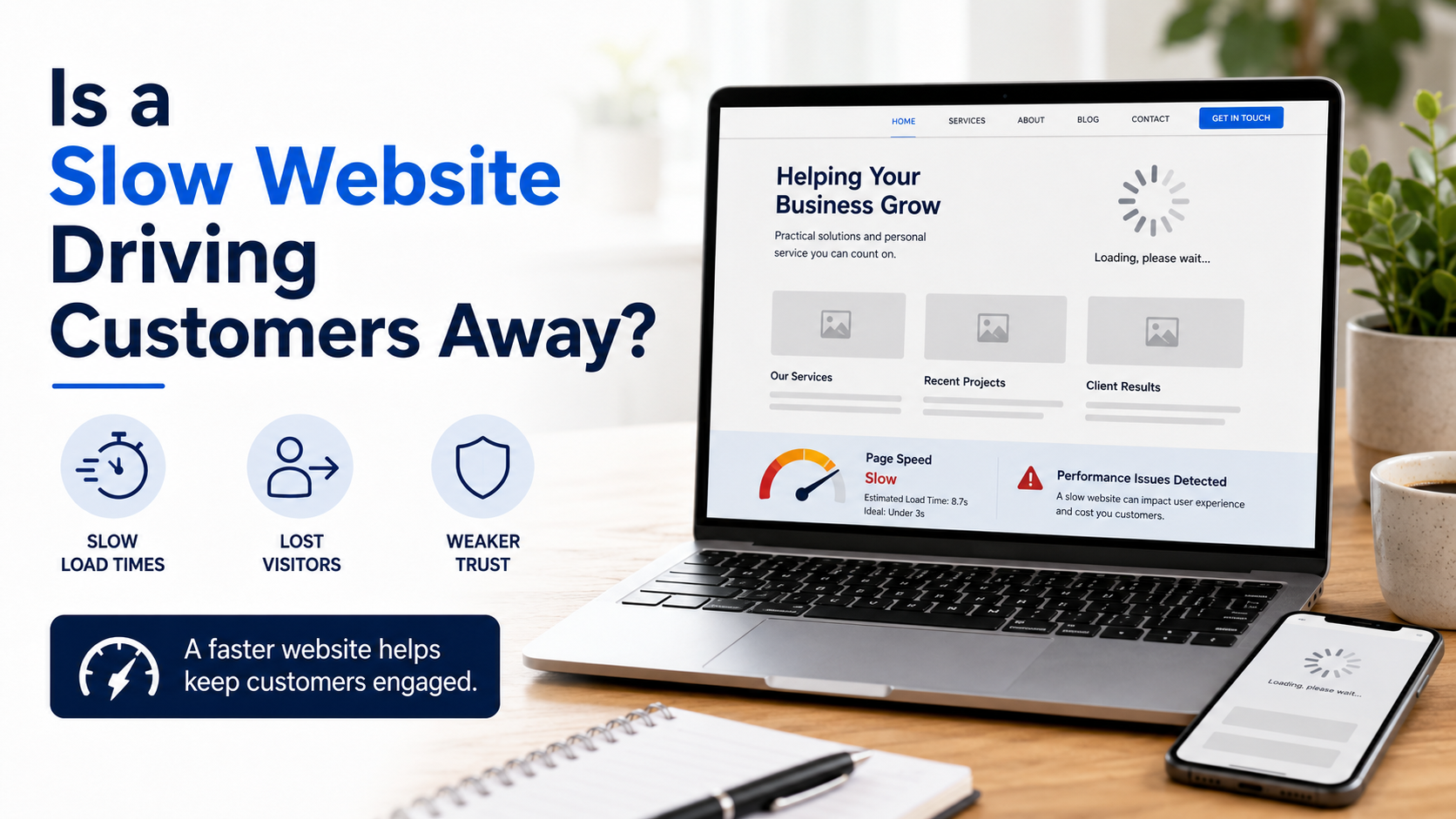
is a slow website driving customers away?
A slow website can create problems before a visitor ever reads about your services.
When pages take too long to open, images appear slowly, or buttons do not respond immediately, potential customers may leave before learning what your business offers.
Most visitors do not know why a website is slow. They only know that it is not working the way they expected.
What Can Make a Small Business Website Slow?
Website performance can be affected by several issues, including:
Large, uncompressed photographs
Multiple videos loading on the same page
Unnecessary animations
Excessive third-party tools or tracking scripts
Poorly optimized mobile layouts
Older website templates
Complicated page designs
Features that are no longer being used
Small-business websites frequently rely on photos to display completed work, products, food, facilities, or services. These images are important, but uploading extremely large files without properly preparing them for the website can significantly affect performance.
The solution is not necessarily to remove the photos. They may simply need to be resized, compressed, reorganized, or loaded more efficiently.
Website Speed Affects Customer Confidence
Visitors often associate website quality with business quality, even when the two are not directly connected.
A slow or unresponsive website can make a professional business appear outdated. It can also make basic actions—such as viewing a service page, opening a gallery, or submitting a contact form—feel unnecessarily difficult.
For customers searching from a mobile phone, these problems may be even more noticeable.
Someone trying to request an estimate or check whether you serve their location should not have to fight their way through the website like it is the final level of a video game.
Can an Existing Website Be Made Faster?
In many cases, yes.
Improving website speed may involve optimizing images, simplifying crowded sections, removing unnecessary features, improving mobile formatting, or rebuilding individual pages that are causing problems.
However, some older websites may have broader structural limitations. In those cases, repeatedly patching the existing design may be less effective than creating a cleaner replacement.
Shift Arrow Group LLC helps small businesses identify what may be slowing down their websites. We focus on practical improvements and explain whether the existing website can be optimized or whether a redesign would provide better long-term value.
If your website feels slow, inconsistent, or difficult to use, contact Shift Arrow Group LLC for a review of its current performance.
Related article: Read “5 Signs Your Small Business Website Needs an Update” for a broader look at common website problems.
2. What Does an Outdated Website Say About Your Business?
Website Updates Do Not Always Require a Redesign
Your website does not need to follow every new design trend. However, it should accurately represent the business you operate today.
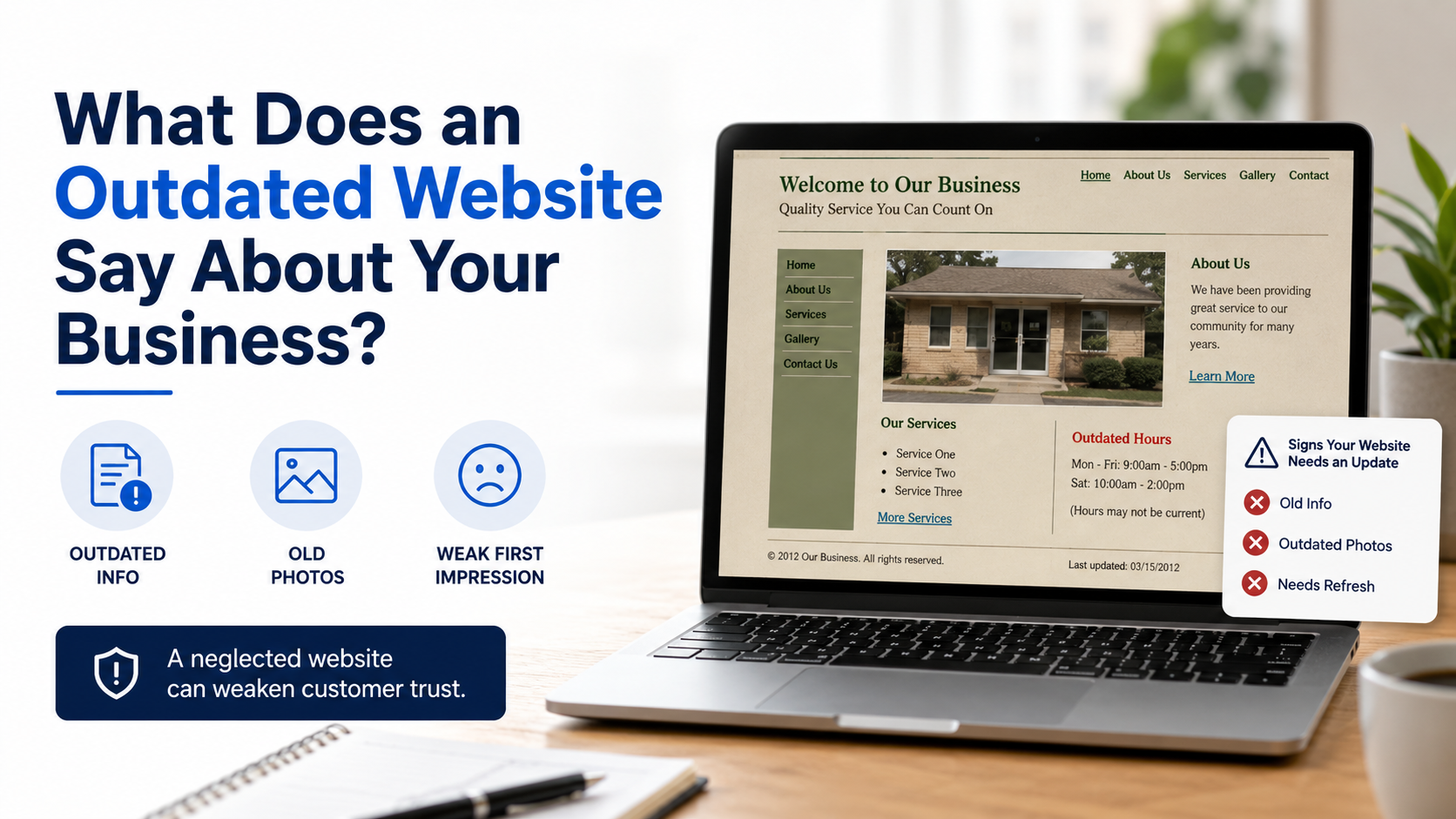
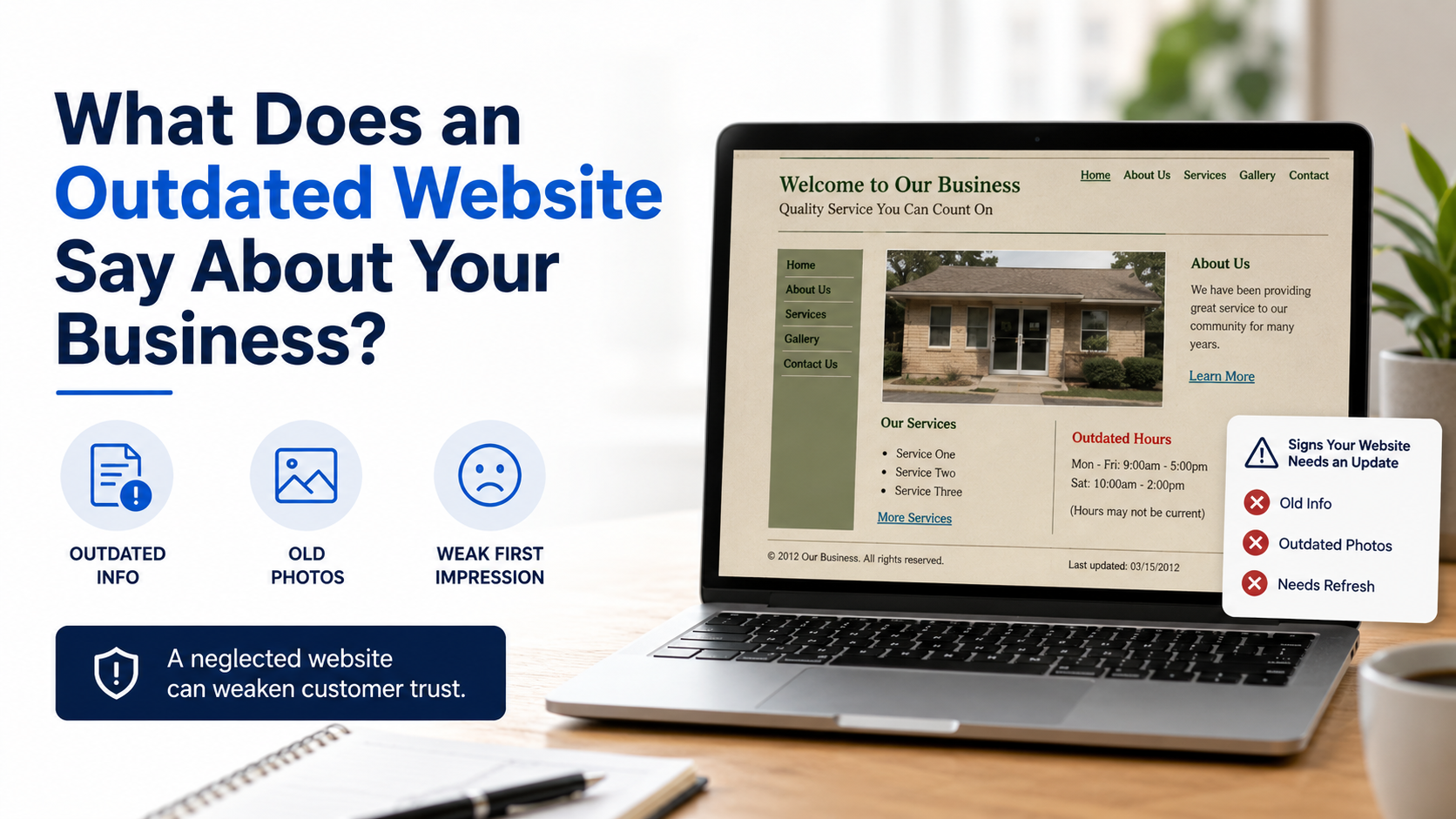
When a website contains old information, discontinued services, outdated photos, incorrect hours, or former contact details, visitors may begin to question whether the business is still active.
Even small inconsistencies can create uncertainty.
Common Signs of an Outdated Business Website
An outdated website may include:
Services that are no longer available
Missing information about newer services
Old employee or company information
Incorrect hours or contact details
Low-quality or outdated project photos
Broken buttons or links
Announcements for events that have already passed
A copyright year that has not been updated
Pages that no longer match the company’s branding
None of these issues necessarily mean the business provides poor service. However, customers can only make decisions based on the information available to them.
If the website appears neglected, they may wonder whether their phone call, appointment, project, or service request will receive the same level of attention.
Your Business May Have Outgrown Its Website
Many small businesses begin with a basic website containing only a homepage, short service description, and contact information.
As the company grows, that original website may no longer explain everything the business can provide.
A contractor may begin offering additional remodeling services. A restaurant may introduce seasonal menu items. A property maintenance company may expand into surrounding cities. A professional service provider may add new certifications or areas of expertise.
When those changes are not reflected online, the website continues representing an older and smaller version of the company.
Website Updates Do Not Always Require a Redesign
A complete rebuild is not always necessary.
Updating service descriptions, replacing old photographs, correcting business information, improving calls to action, and reorganizing existing pages may be enough to make the website feel current again.
Shift Arrow Group LLC helps small businesses keep their websites aligned with their current services, branding, and goals. We can review existing content, identify outdated sections, and recommend practical updates without automatically pushing for a full replacement.
Your website should accurately show customers who you are, what you do, and how they can reach you.
If your website no longer represents your business, Shift Arrow Group LLC can help bring it up to date.
Related article: Review “5 Signs Your Small Business Website Needs an Update” to see whether other areas of your site may also need attention.
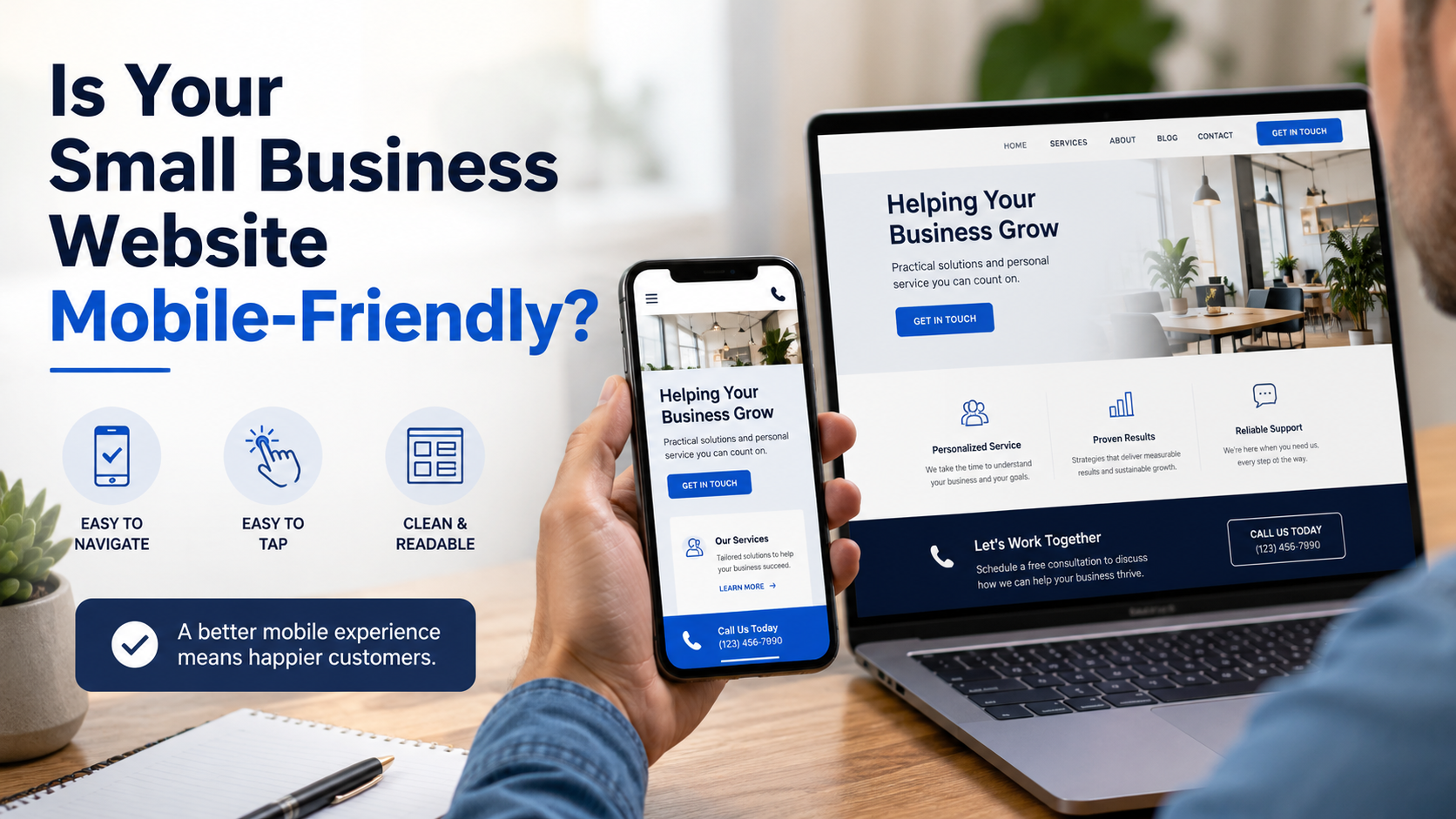
1. Is Your Small Business Website Mobile-Friendly?
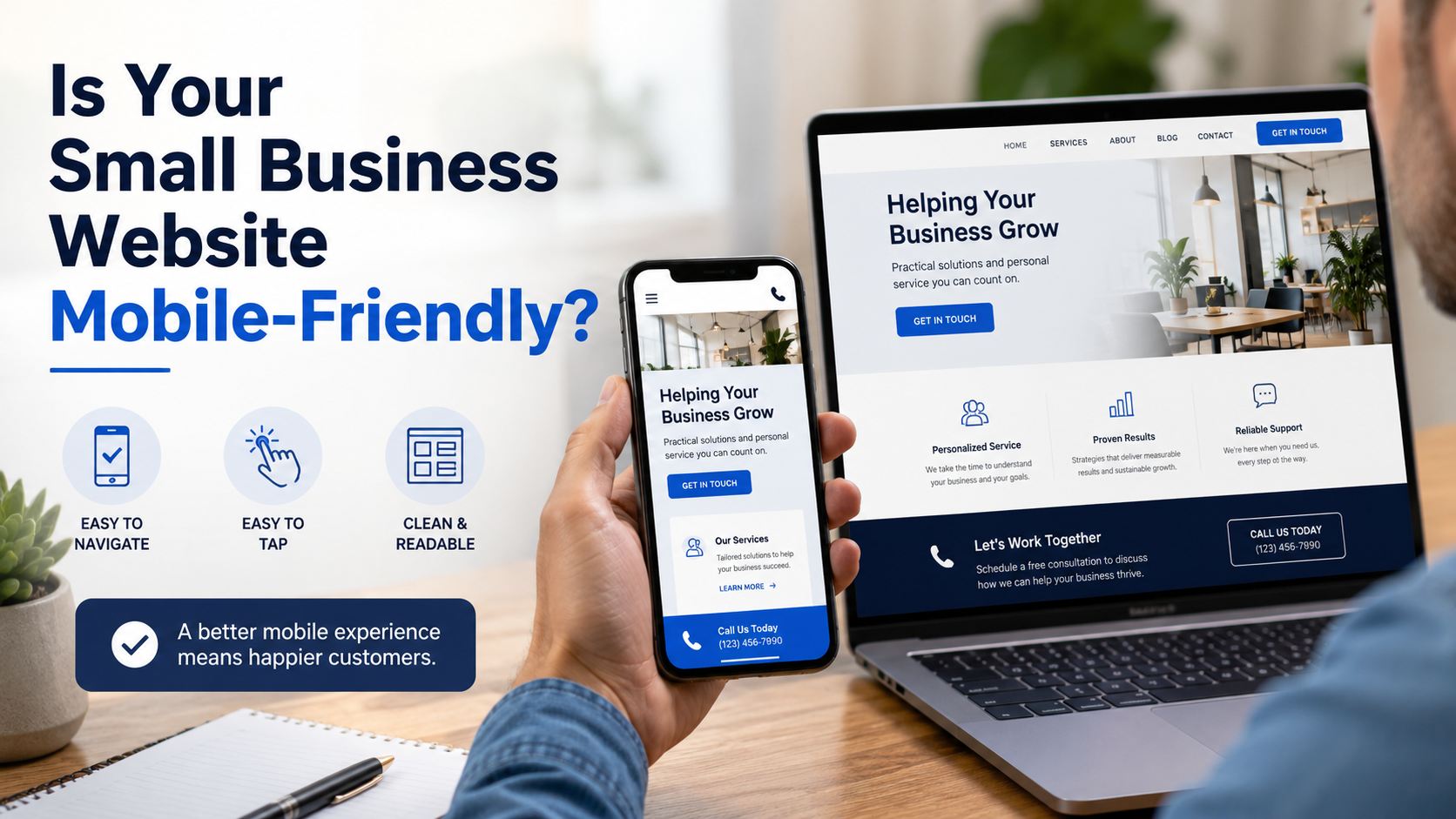
Is Your Small Business Website Mobile-Friendly?
Most customers no longer wait until they are sitting at a computer to research a business. They search from their phones while comparing local services, looking for directions, reviewing photos, or deciding who to contact.
That means your small business website needs to work just as well on a phone as it does on a desktop computer.
What Does Mobile-Friendly Mean?
A mobile-friendly website automatically adjusts to fit smaller screens. Visitors should not have to pinch, zoom, scroll sideways, or carefully aim for buttons that are too small to tap.
A well-designed mobile website should make it easy for visitors to:
Read information about your business
View your services and project photos
Tap your phone number to call
Complete a contact or estimate request form
Find your service area, hours, and contact information
Move between pages without becoming frustrated
A website may look professional on a computer while still being difficult to use on a phone. This can happen when older designs, crowded layouts, large images, or improperly formatted sections do not adjust correctly for mobile visitors.
Why Mobile Design Matters for Small Businesses
When someone searches for a local contractor, restaurant, service provider, or other small business, they are often looking for information quickly. They may be comparing several companies at the same time.
If one website is difficult to navigate, the visitor may simply return to the search results and choose another business.
Mobile design is not only about appearance. It affects how easily potential customers can understand what you offer and take the next step.
A clear call button, a simple contact form, readable service descriptions, and properly sized photos can make the difference between someone contacting your business and leaving your website.
Does Your Website Need to Be Rebuilt?
Not always.
Some mobile problems can be corrected by adjusting the existing layout, simplifying certain sections, resizing images, or improving the placement of buttons and contact forms. Other websites may be built on older systems that make meaningful improvements difficult.
Shift Arrow Group LLC helps small businesses review how their websites perform across phones, tablets, and desktop computers. Our goal is to identify what is creating friction and recommend improvements based on what the website actually needs.
Sometimes that means a focused mobile update. In other situations, a redesign may provide a better long-term result.
If your website is difficult to use from a phone, contact Shift Arrow Group LLC for an honest review of your current design.
Related article: Read “5 Signs Your Small Business Website Needs an Update” for additional signs that your website may be holding your business back.
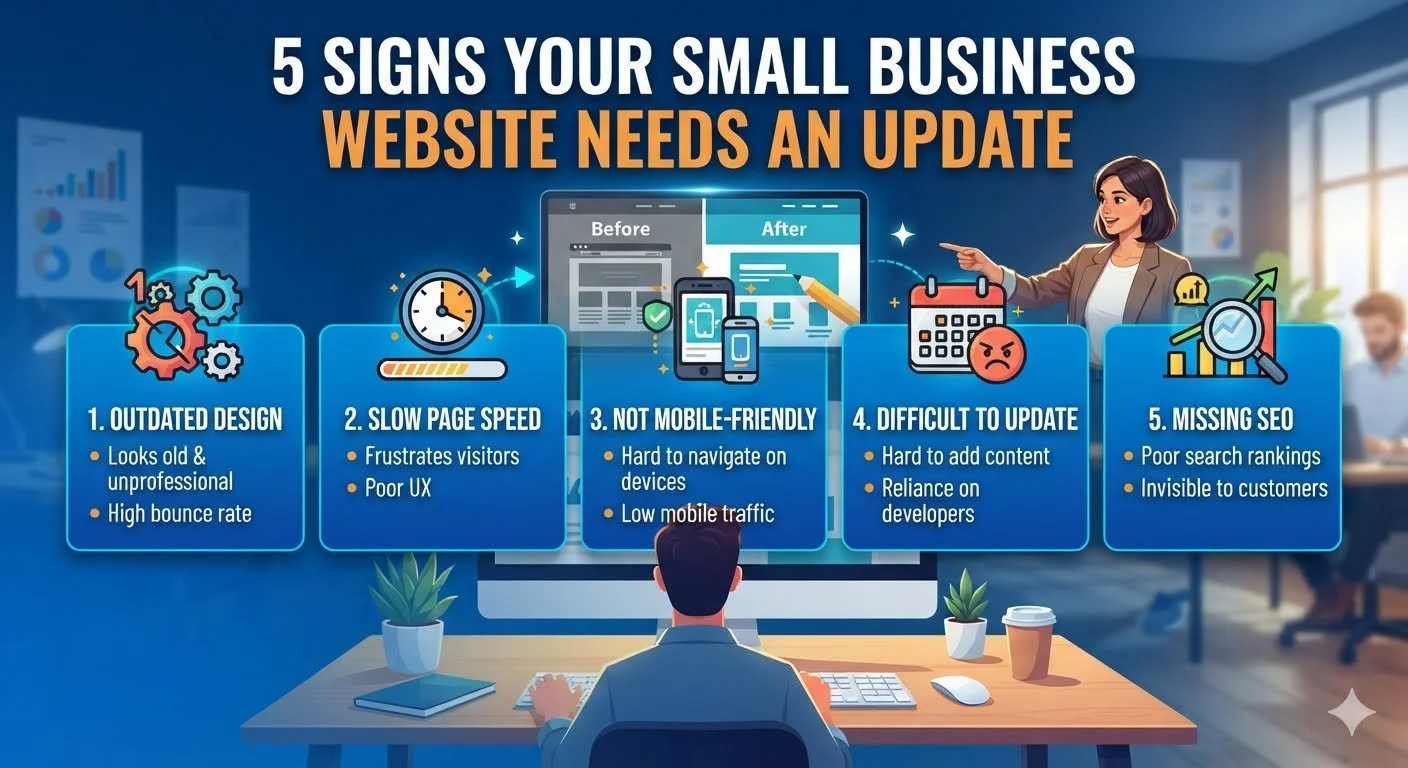
5 Signs Your Small Business Website Needs an Update
Not sure if your website is holding your business back? Here are 5 clear signs it's time for an update — and what to do about it.
Your website is often the first impression a potential customer gets of your business — sometimes before they ever call, visit, or meet you in person. If it's outdated, that first impression can cost you the job before you even get a chance to make your case. Here are five signs it might be time for a refresh.
1. It's not mobile-friendly
More than half of all web traffic now comes from phones. If your site is hard to read, requires pinching and zooming, or has buttons too small to tap accurately, you're likely losing visitors within seconds of them landing on your page.
2. It hasn't been updated in over a year
Old hours, discontinued services, outdated photos, or a copyright year stuck two or three years in the past all signal the same thing to a visitor: nobody's paying attention here. If that's the impression your business is giving off, it's worth fixing.
3. It's slow to load
Every extra second a page takes to load increases the chance someone leaves before they even see what you offer. Slow load times also hurt your search ranking — Google factors page speed directly into how it ranks sites.
4. There's no clear call to action
If a visitor lands on your homepage and isn't sure what to do next — call you, request a quote, book an appointment — you're leaving conversions on the table. Every page should make the next step obvious.
5. It doesn't show up when you search for your own business
Try searching your business name, or the services you offer plus your city. If you're not showing up on the first page, potential customers searching for exactly what you do are finding your competitors instead.
If any of these sound familiar, it doesn't necessarily mean starting over — sometimes a redesign of what you already have is enough. Take a look at what's included in our website builds to see what fits your situation.